Creating Fillable PDF Files from Free-form Reports
Description
You can generate fillable PDF files from free-form reports by marking report fields as PDF Fill-in Field.
Fillable PDF Files from Free-form Reports
You can generate fillable PDF files when you create a PDF by saving a report as a PDF. This feature is only available for free-form reports.
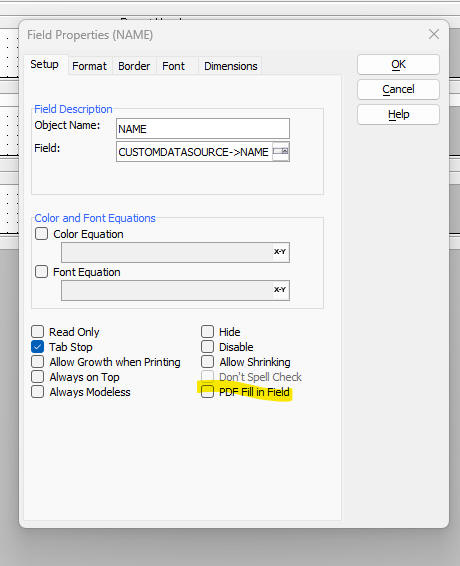
In the report designer, right-click any field that you want to turn into a fill-in field and check the PDF Fill-in Field property. When the report is saved as a PDF, those fields will become fillable controls in the PDF.
See Also